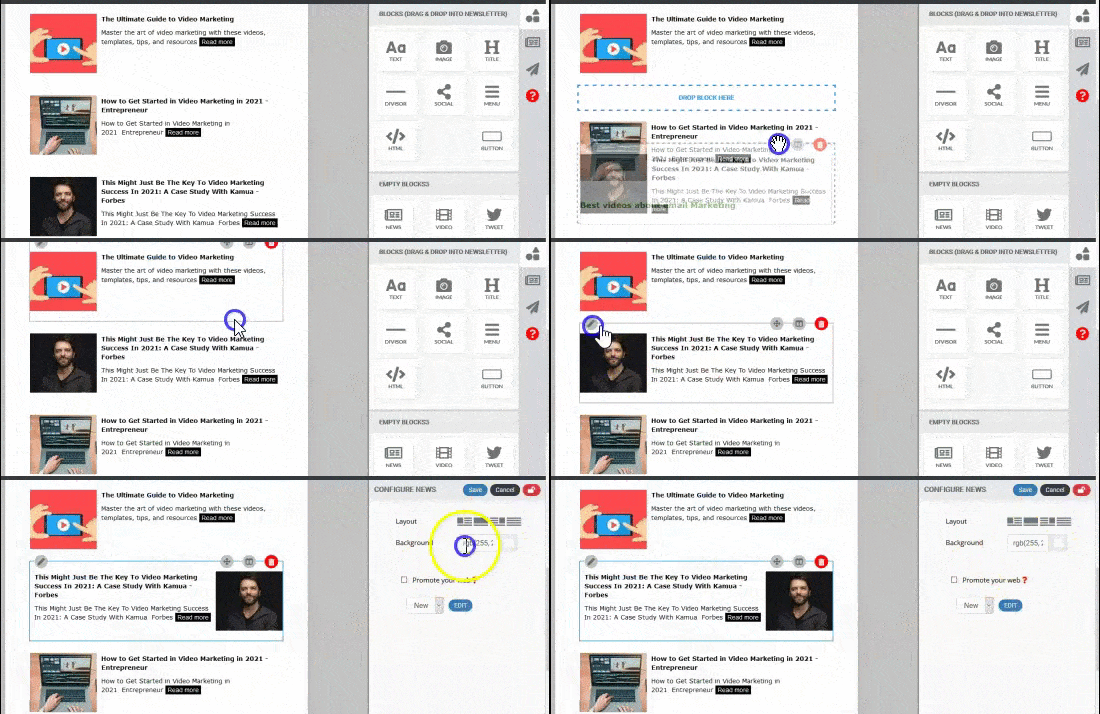
NewsletterBreeze doesn't have hundreds of templates to choose from. Instead, we provide you with a smart template to configure to your needs.
After you design a template and its components, you won't need to create a new template every time you send a newsletter. You can reuse the same one over and over for future issyes.
We use smart templates:
Smart templates are reusable templates that simplify the process of adding content to your newsletters. Configure once and use forever.
With smart templates, you can:
Add elements and configure each one to your needs.
Add content by dragging and dropping it into your newsletter.
Move the content and elements around by dragging and dropping them.
Lock in certain elements and content to reuse them over and over again in your next newsletters.
Elements and blocks
To configure your newsletter, combine elements and blocks.
To add content, go to your content library and drag articles, images and gifs into your newsletter. Then, edit and change it from within the newsletter.
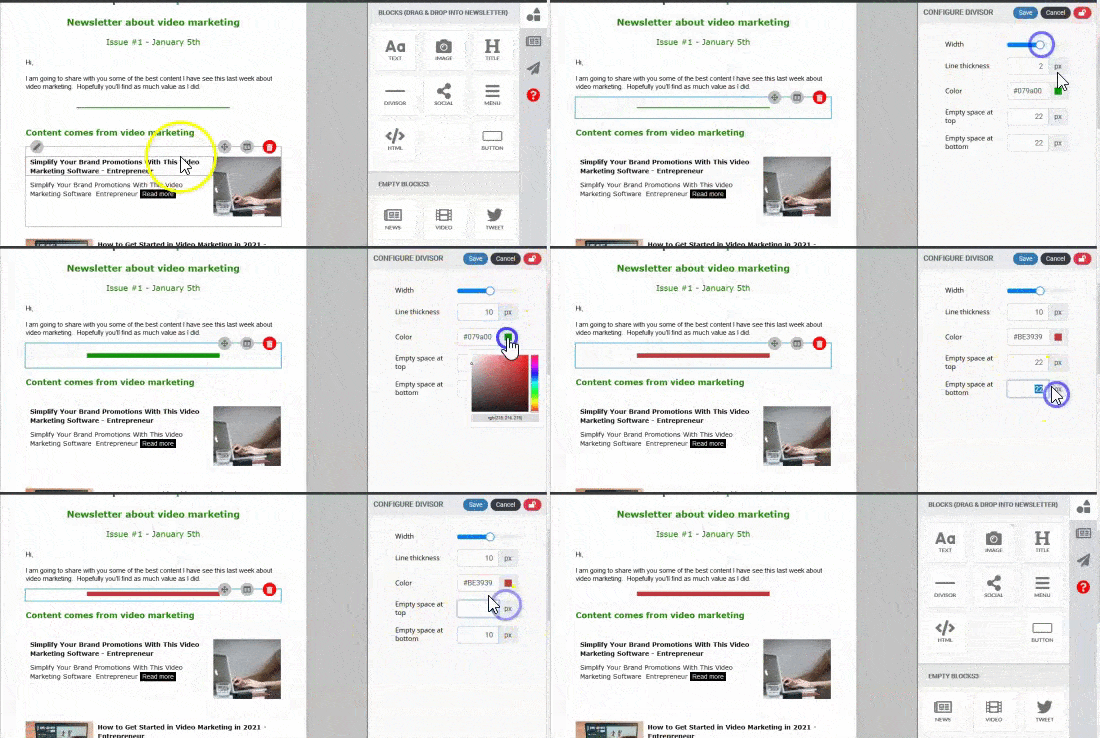
Add other elements like buttons, blocks of text, html code, lines, menus, social media and other elements by dragging and dropping them into your newsletter. Then, personalize and configure each one.
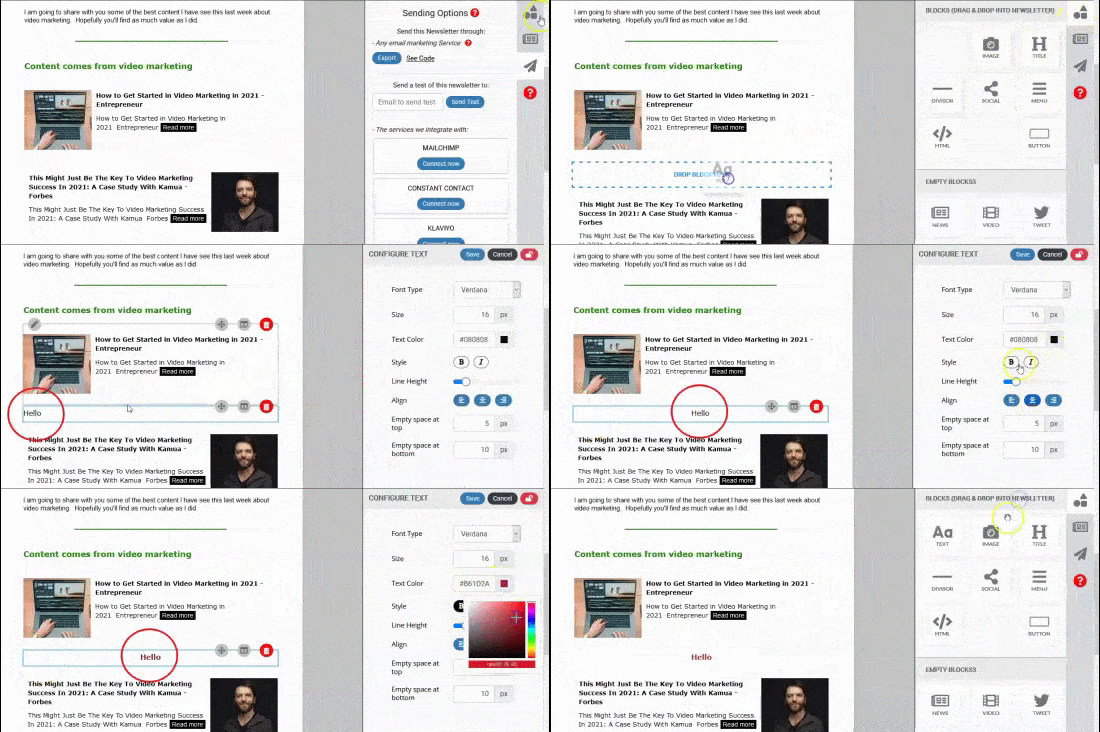
Edit it & make changes:
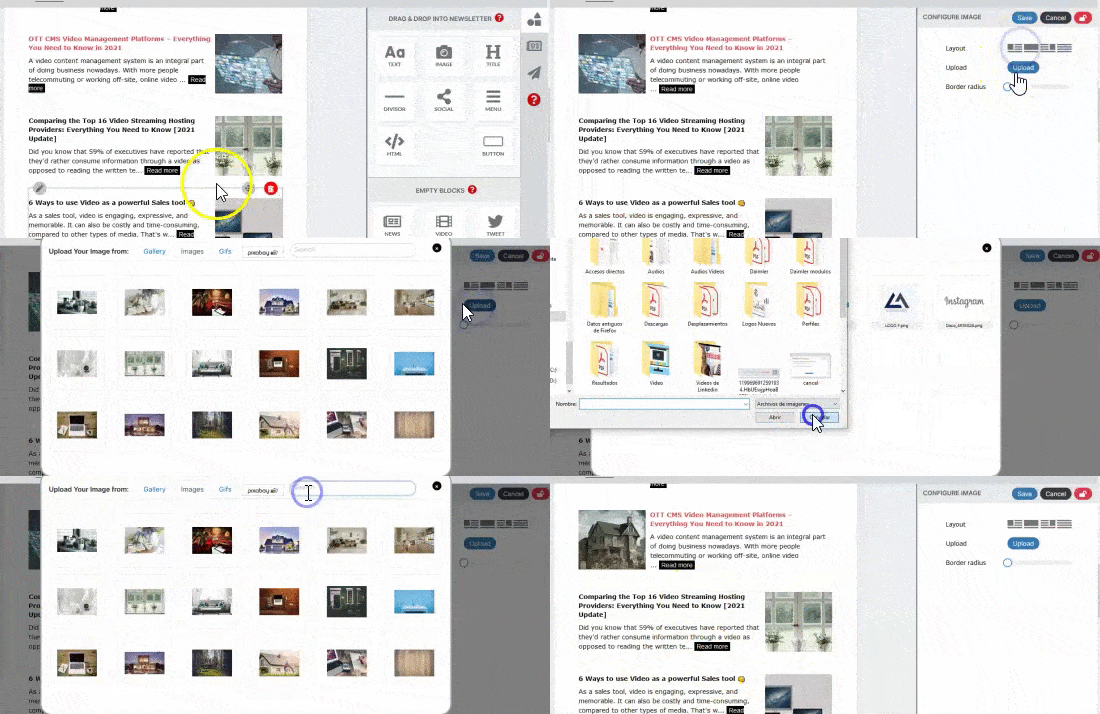
Click on the configuration of each element, to change it and save it.
Click on any text to change it
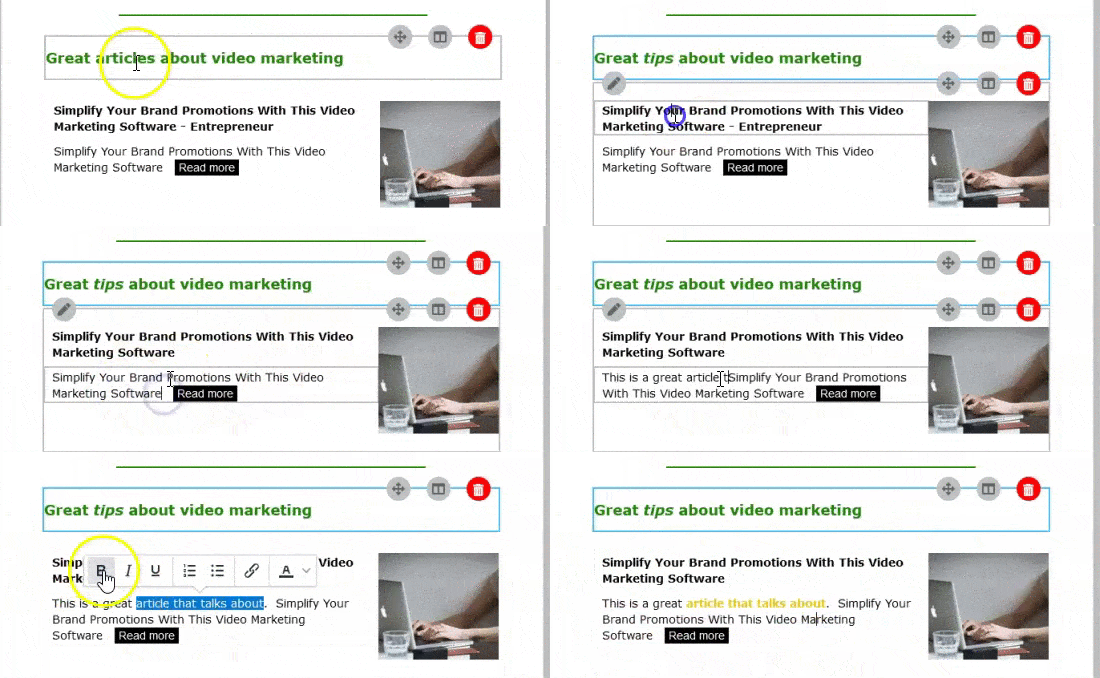
Double click on any image to change it
Lock any element you want to maintain in your template for your next newsletter.

Move the content and elements around, by dragging and dropping them.