Newsletters can be sent:
Through any of the email marketing services we integrate with (see a list below).
Through any other email marketing service, by exporting the html.
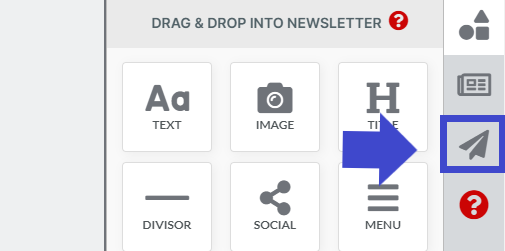
To send your newsletter, first click on the send Newsletter tab:
Send it through the services we integrate with:
Currently, we integrate with Mailchimp, Constant Contact, Klaviyo, Aweber, Mailjet, Benchmark, Vertical Response.
If you work with any of these email marketing services, you can send your newsletters from within NewsletterBreeze.
To do so, go to the "send newsletter" tab, configure to what list you want to send your newsletter to and when you want to send it.
Send it with any other email marketing service:
Unfortunately, we cannot integrate with all services. At the FAQ section below we explain why.
You can still send newsletters through any other service, by following one more step. You’ll need to export the html template (copy it) by clicking a button.
After you copy it, paste it in an empty template in your email marketing service. How you do this will depend on the email marketing service you work with. Doing this will take you an extra minute.
Send a sample Newsletter:
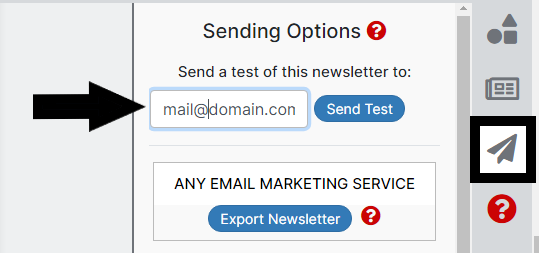
If you want to send a sample newsletter, click on the “Send” tab, and look for the specific section to send a sample newsletters.