

Unfortunately, we cannot integrate with any email marketing service (EMS) we'd like to. We can only integrate with those EMS that have an API ready to receive the content of a full newsletter. Unfortunately, many EMS don't have this option available in their API.
When this happens, you can still send newsletters through them by following an extra step. You’ll need to export (copy) the html template in NewsletterBreeze & paste it in your EMS.
To do this, go to the "Send tab"
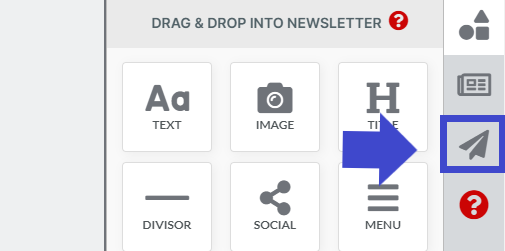
Click "Export newsletter"

A pop up will appear.
Click "copy code".
Paste (the code) as html in an empty template in your email marketing service.
If you don't know how to do this, search this information in Google or ask your EMS

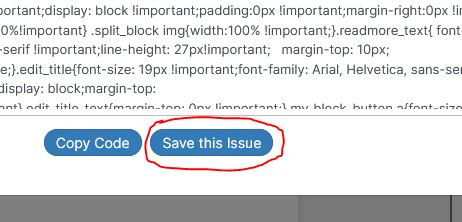
After you copy the code, If you click on the "Save this issue" button, the newsletter will disappear from your dashboard and go into your "Issues" tab.
Your newsletter will be ready for your next newsletter.
Remember that, any elements you've locked will remain in your template for your next newsletter.
