

In NewsletterBreeze, you can bring any content (news, articles) you've shared in your Twitter account. To do this:
Click on the "Content Library tab".
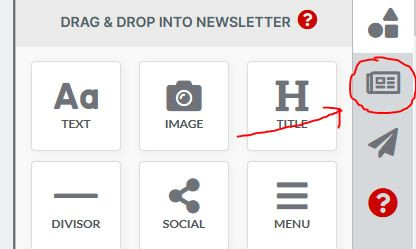
Then, go to the Twitter tab:
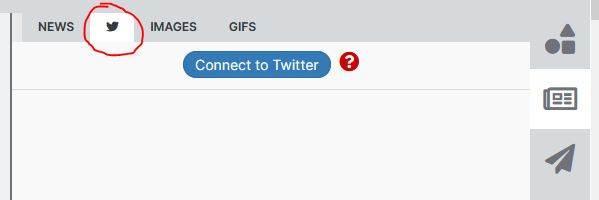
And click the button "Connect to Twitter".
From that moment onwards, both accounts will be connected. Any articles you share in Twitter, will automatically be brought to your content library and be available to add it to your newsletter by dragging and dropping it into it.
