

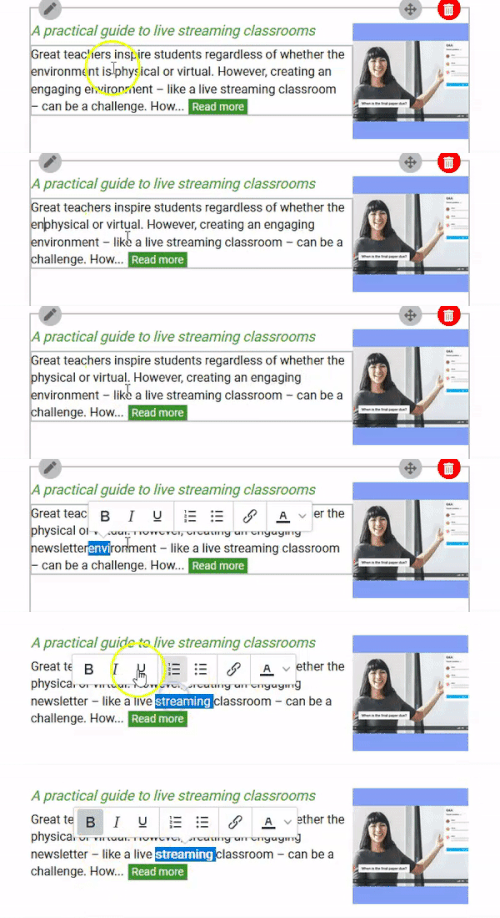
To edit the content of a newsletter, click on the block content you want to edit.
Then, add any text or delete it.
If you want to change the characteristics of the text or element, click on the element.
A dialog box will appear on the right hand side that will let you make any changes you want.
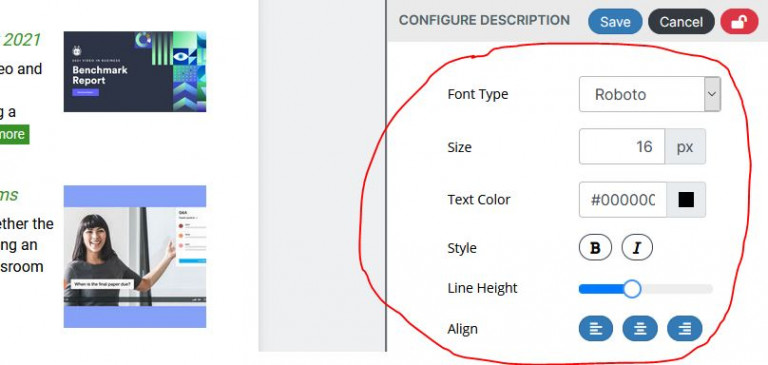
If you save these settings by clicking on the "Save" button, next time you drag and drop a similar block or item, you'll have the same settings you saved last.
