NewsletterBreeze is a service to create newsletters (design and content) in minutes.
Our mission is to help you give maximum value to your subscribers, investing very little time. To do this, we collect the best and most relevant content published in the internet for your subscribers and make it very easy for you to share it through a newsletter.
In the video below, you'll see how we create a newsletter in under two minutes. Before you do this, you'll need to configure the sites you'd like to bring news from. We explain how to do this in this link.
Below you'll see the main tabs (right hand side) you'll use to create your newsletters.
The first tab is to add elements (blocks of text, images, buttons, etc.) to your newsletter by dragging and dropping them.
The second tab is the content library tab. Click on it to see the news, images and gifs you have in your account. Add any of this content to your newsletter by dragging and dropping it.
The third tab is the send tab. Click on it to send your newsletter through the different services we integrate with. You can also export it to send it with any other service.
The fourth tab is the help section.
To create your newsletters, follow these steps:
Configure the content (articles) you want in your content library. We explain how to do this here. You should already have some content (images, gifs) in your library.
Then,add the content you want to your newsletter by dragging and dropping it. Add news, videos, images tweets. Personalize this content by editing it directly in your newsletter.
Add any design elements by dragging and dropping them into your newsletter. Then, configure each element or block.
When your newsletter is ready, send it.
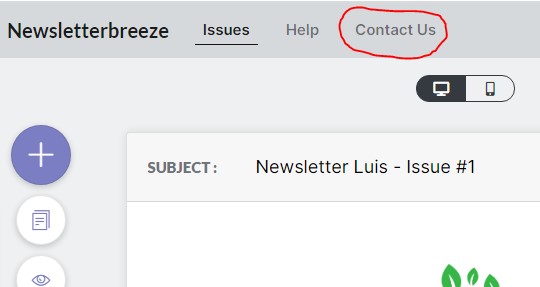
If you have any questions or want to make any comments, contact us through the contact us button